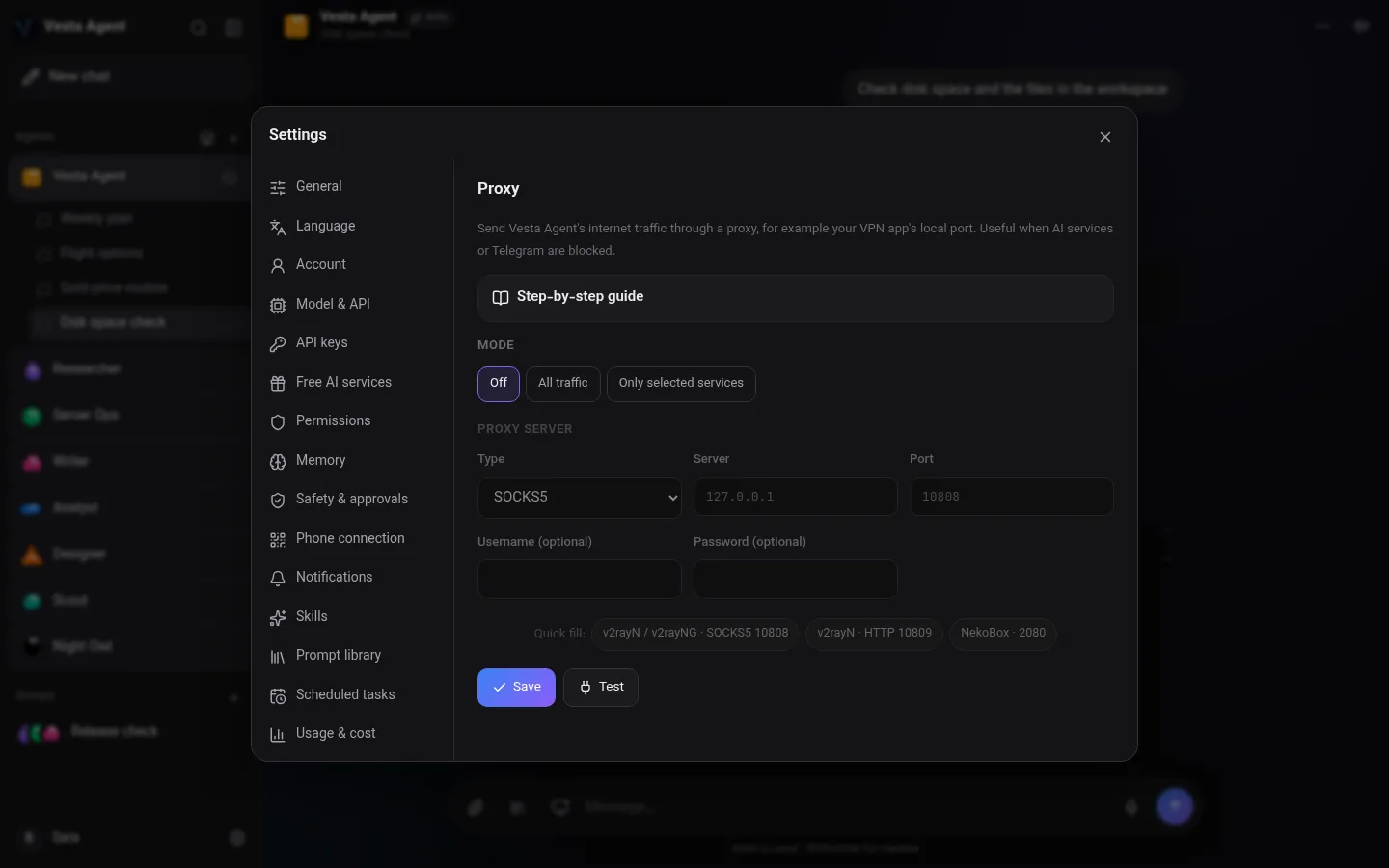
Voice calls
Talk naturally and hear spoken replies. Share your screen mid-call and ask what is wrong.
 Personal AI assistant · v1.5.1
Your own AI agent that talks, sees your screen, controls your phone and gets things done. Everything stays on your device.
Free for Windows, Android and Linux · Version 1.5.1One app, powerful agents, and no servers of ours in between.
Talk naturally and hear spoken replies. Share your screen mid-call and ask what is wrong.
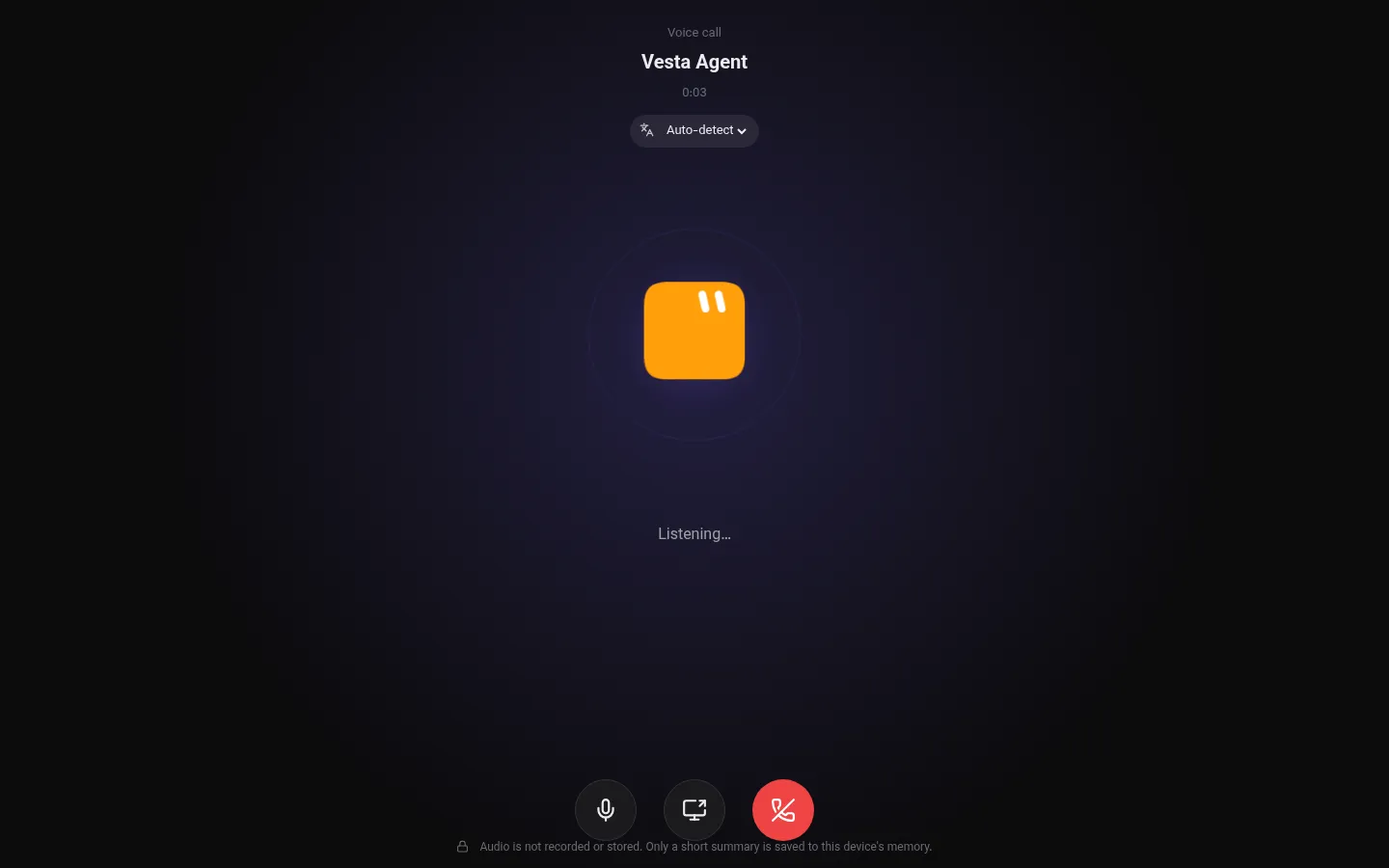
With your permission the agent sees your screen, explains it and helps you fix it.
The agent taps, types and navigates on Android, even without a computer.
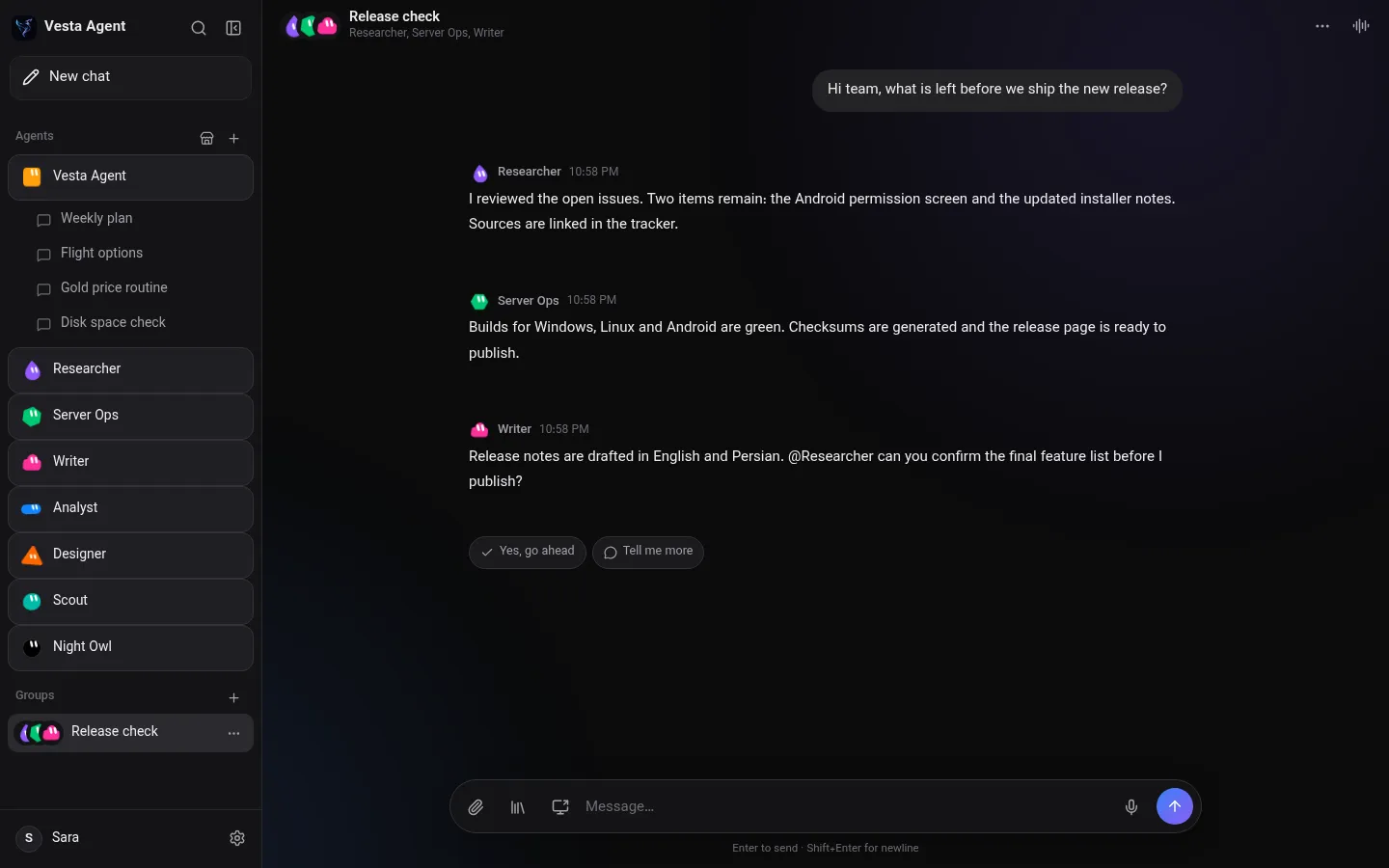
Put specialised agents in one room and let them split the work.
Smart memory that lives only on your device. View, edit or wipe it at any time.
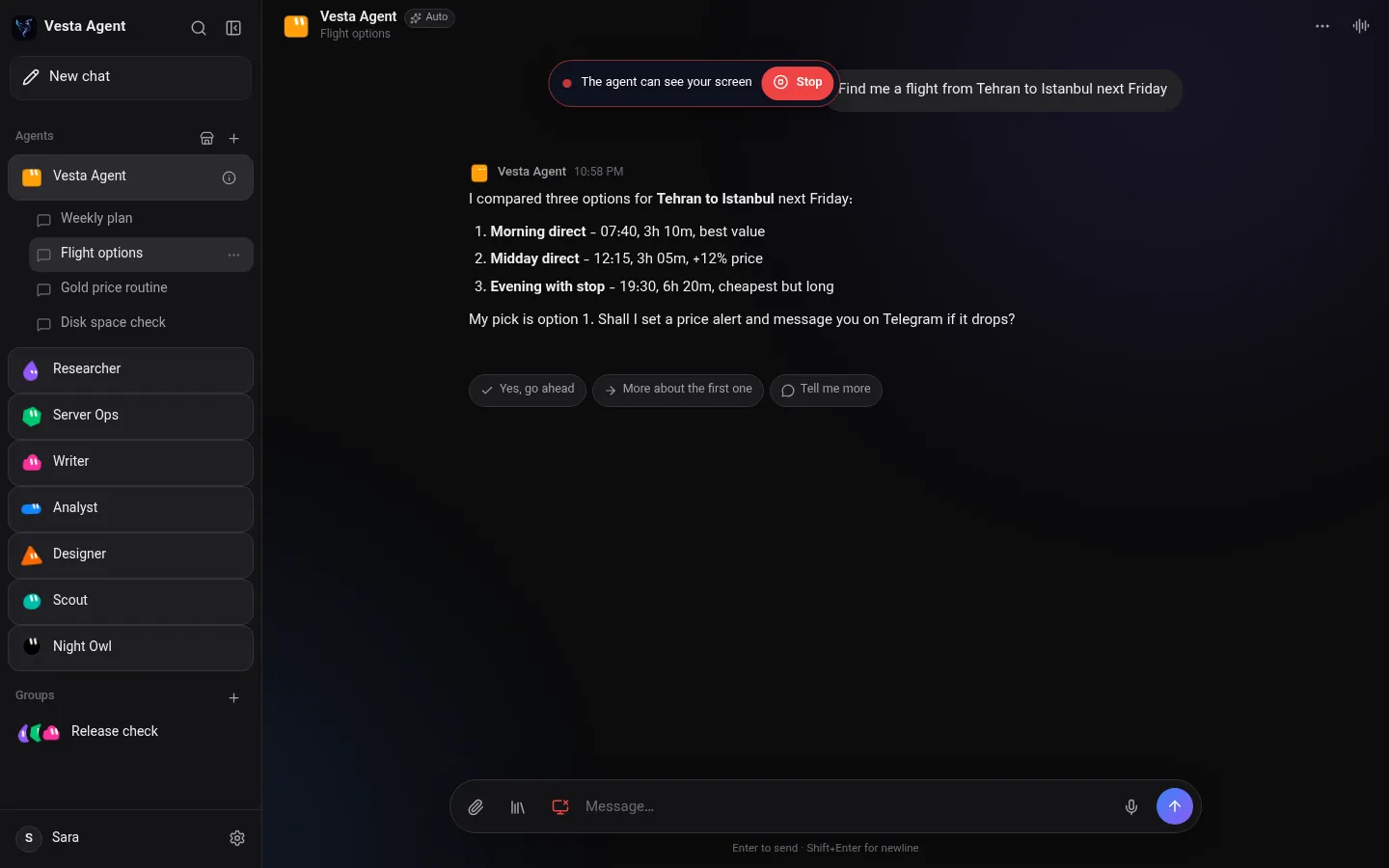
Add several API keys per agent. When one runs out, the next one continues the same task.
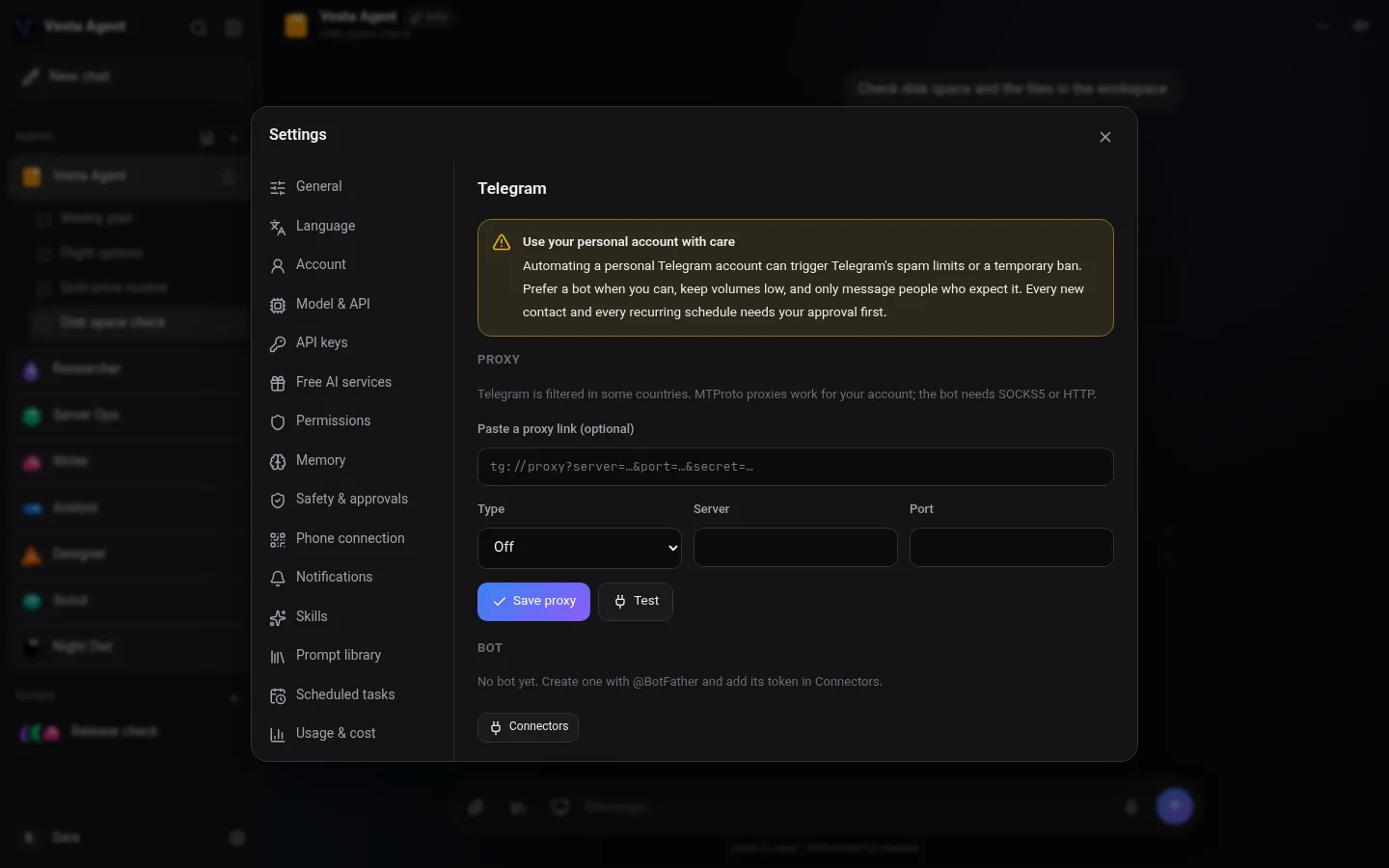
Connect your own bot or personal account and schedule messages.
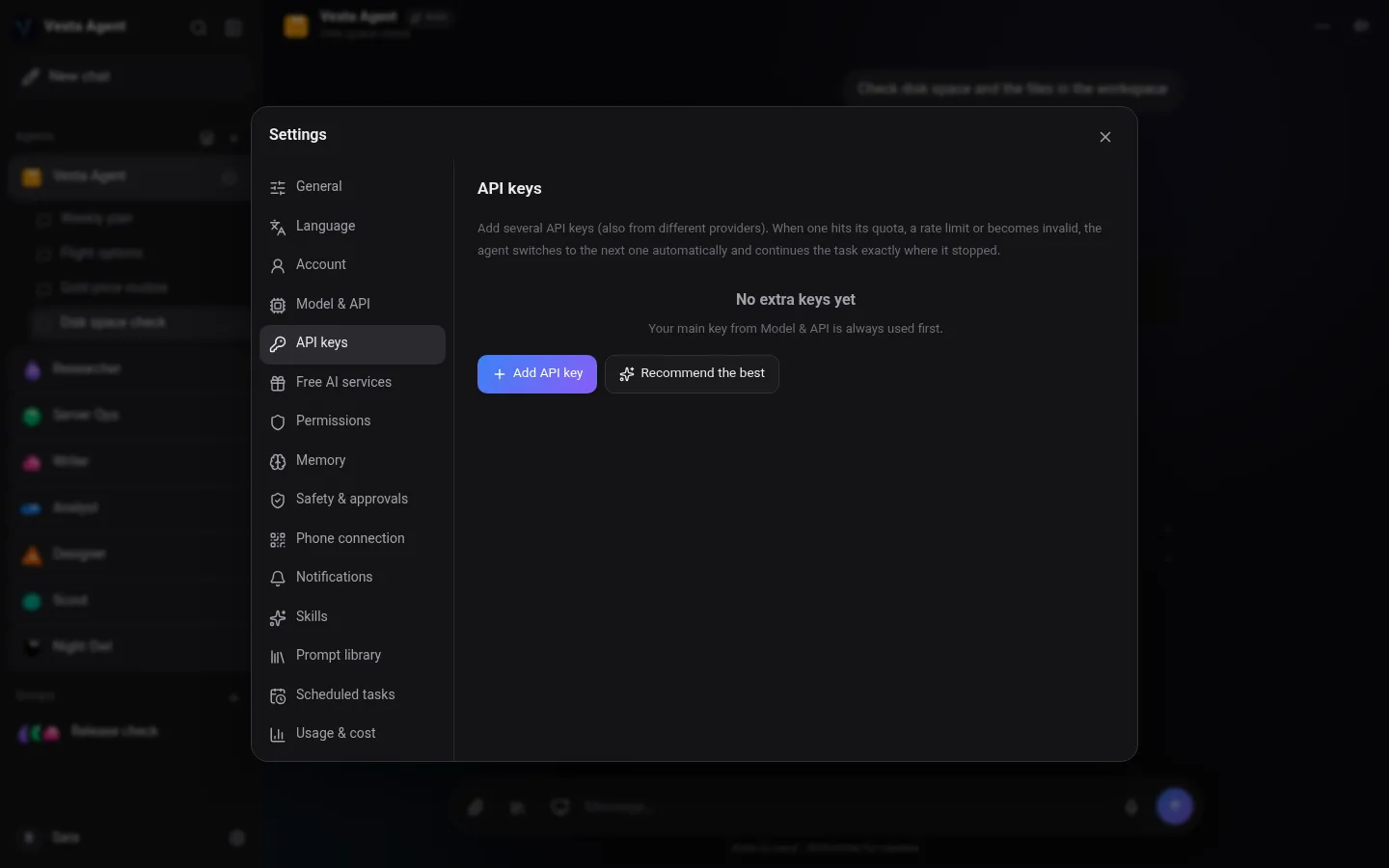
Real HTTP and SOCKS5 proxy per service, with a built-in step-by-step guide.
Run entirely on your computer with Ollama. Nothing leaves the machine.
No accounts and no cloud database. Keys are encrypted on your device.
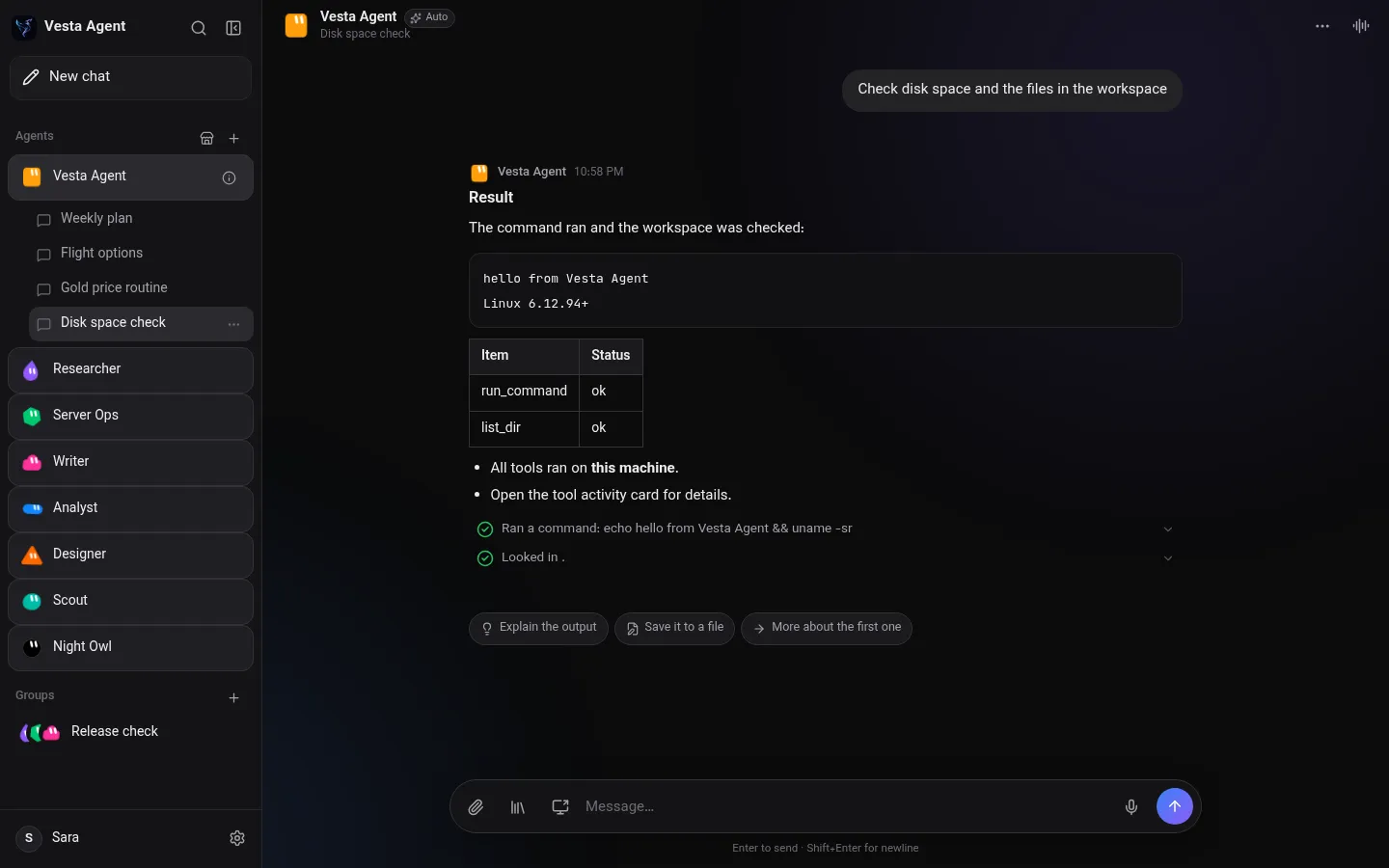
Real screens from Vesta Agent 1.4, shown with demo content.
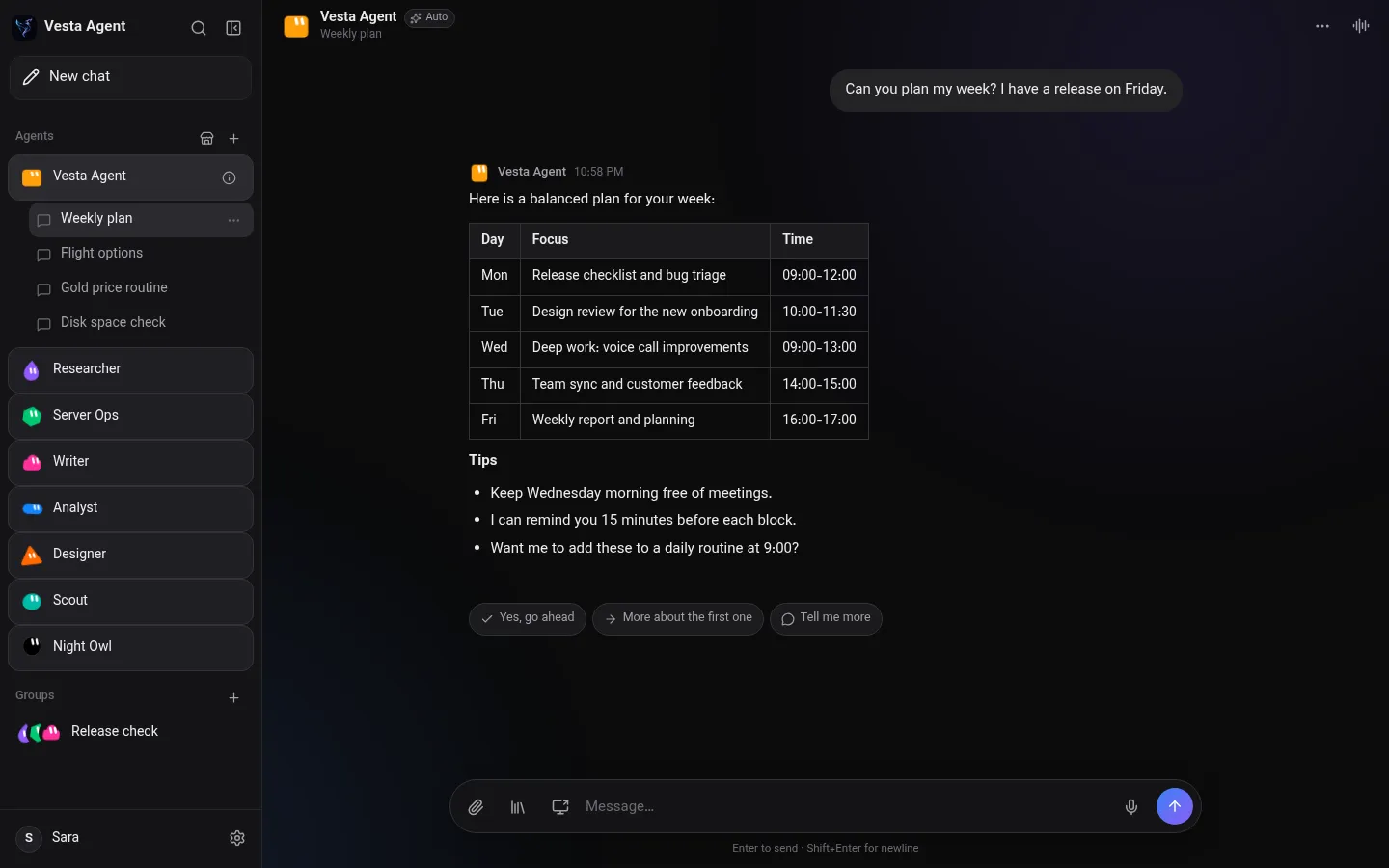
Vesta Agent chat with a weekly plan
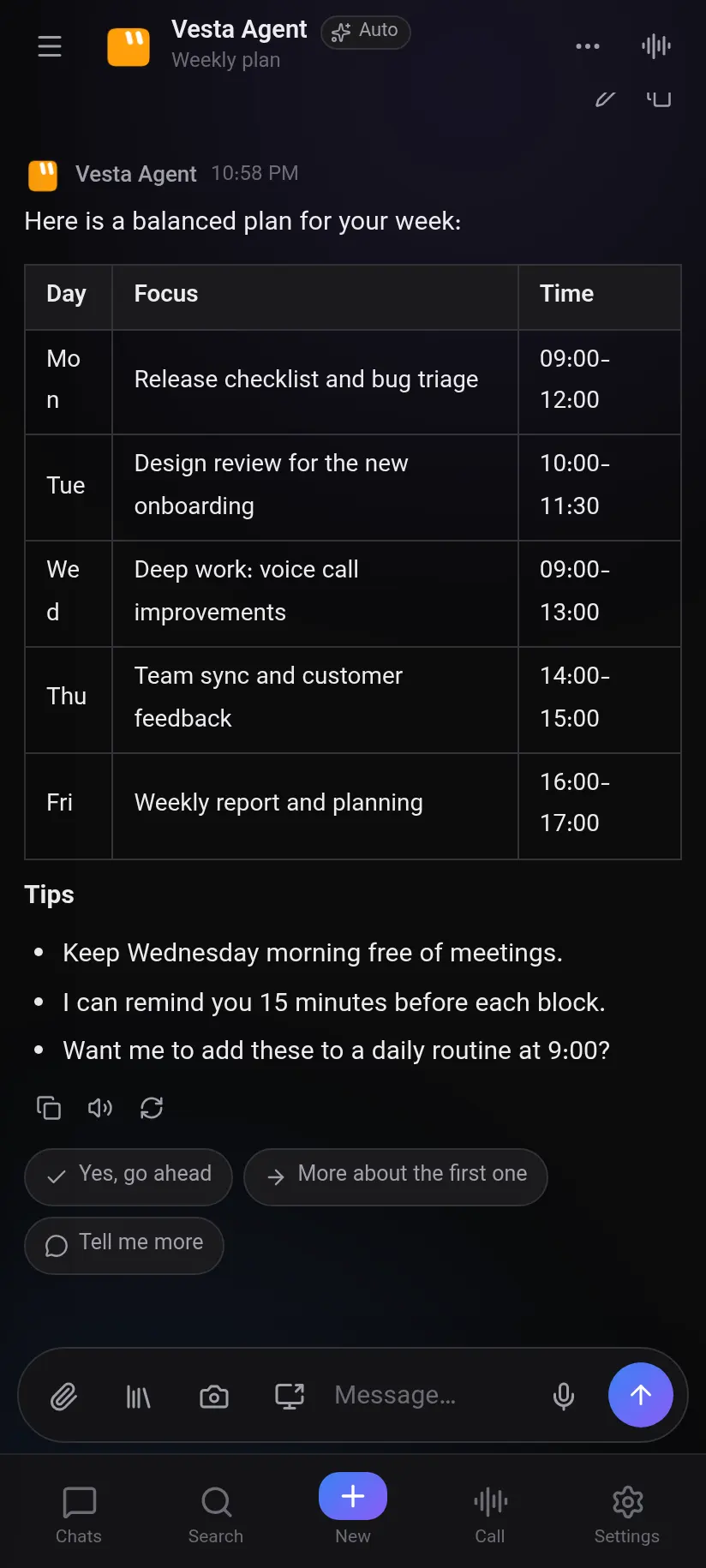
Chat
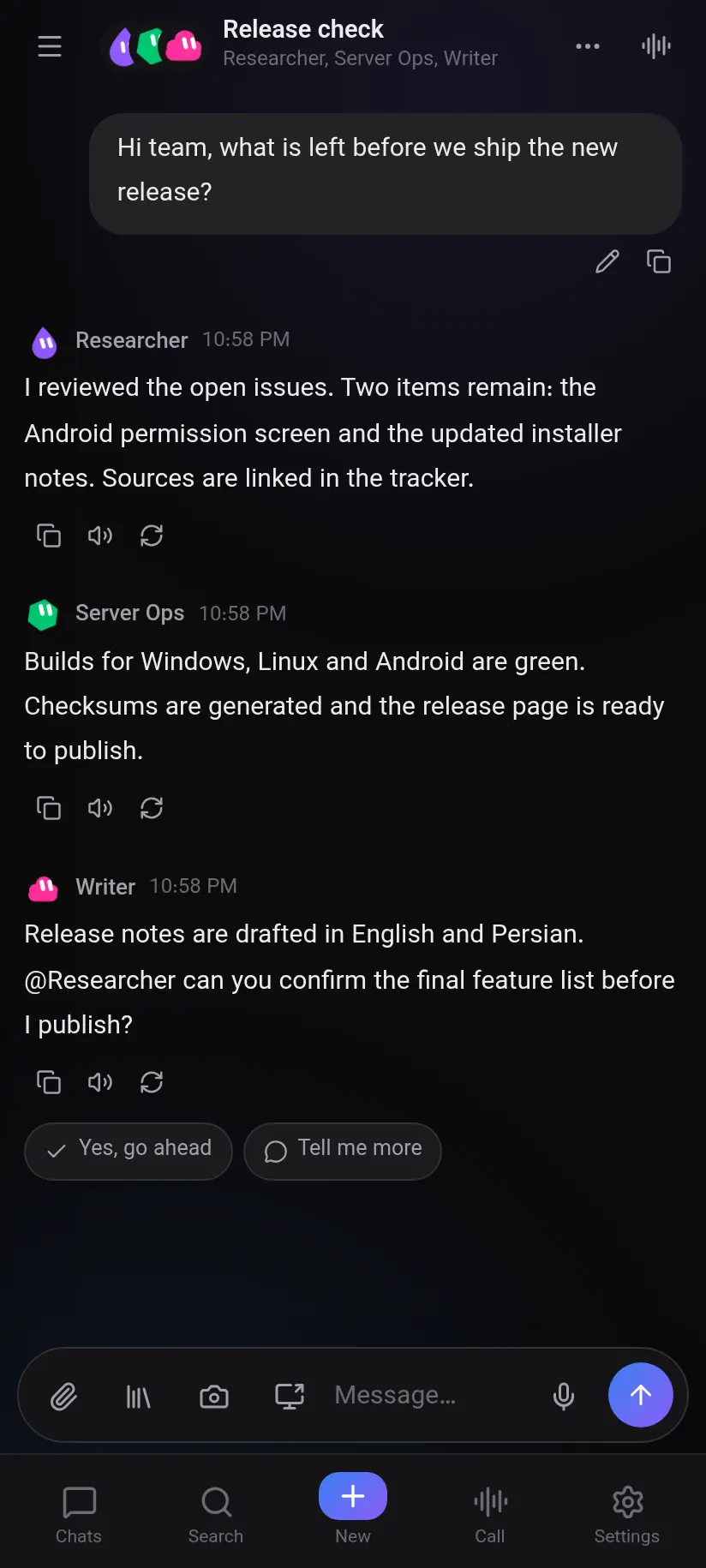
Group chat
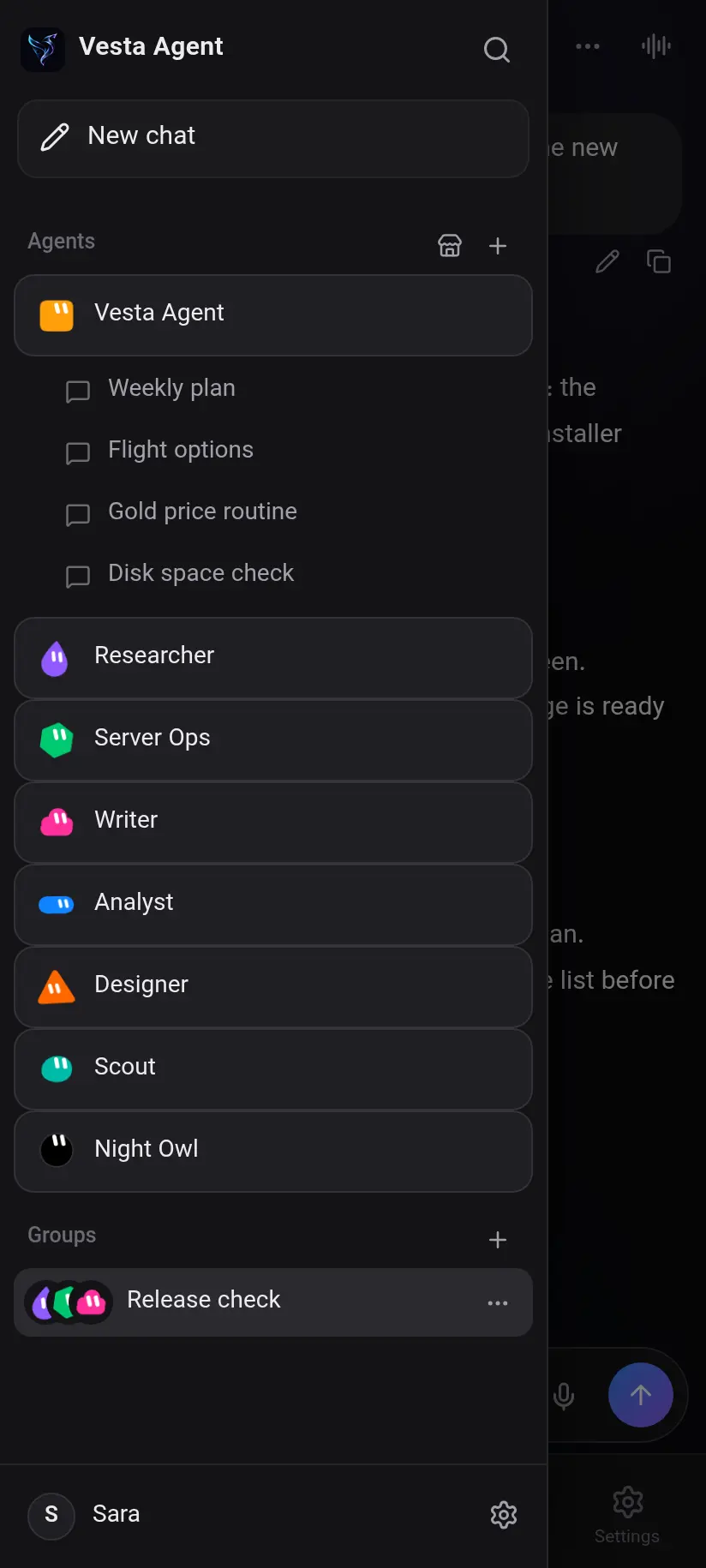
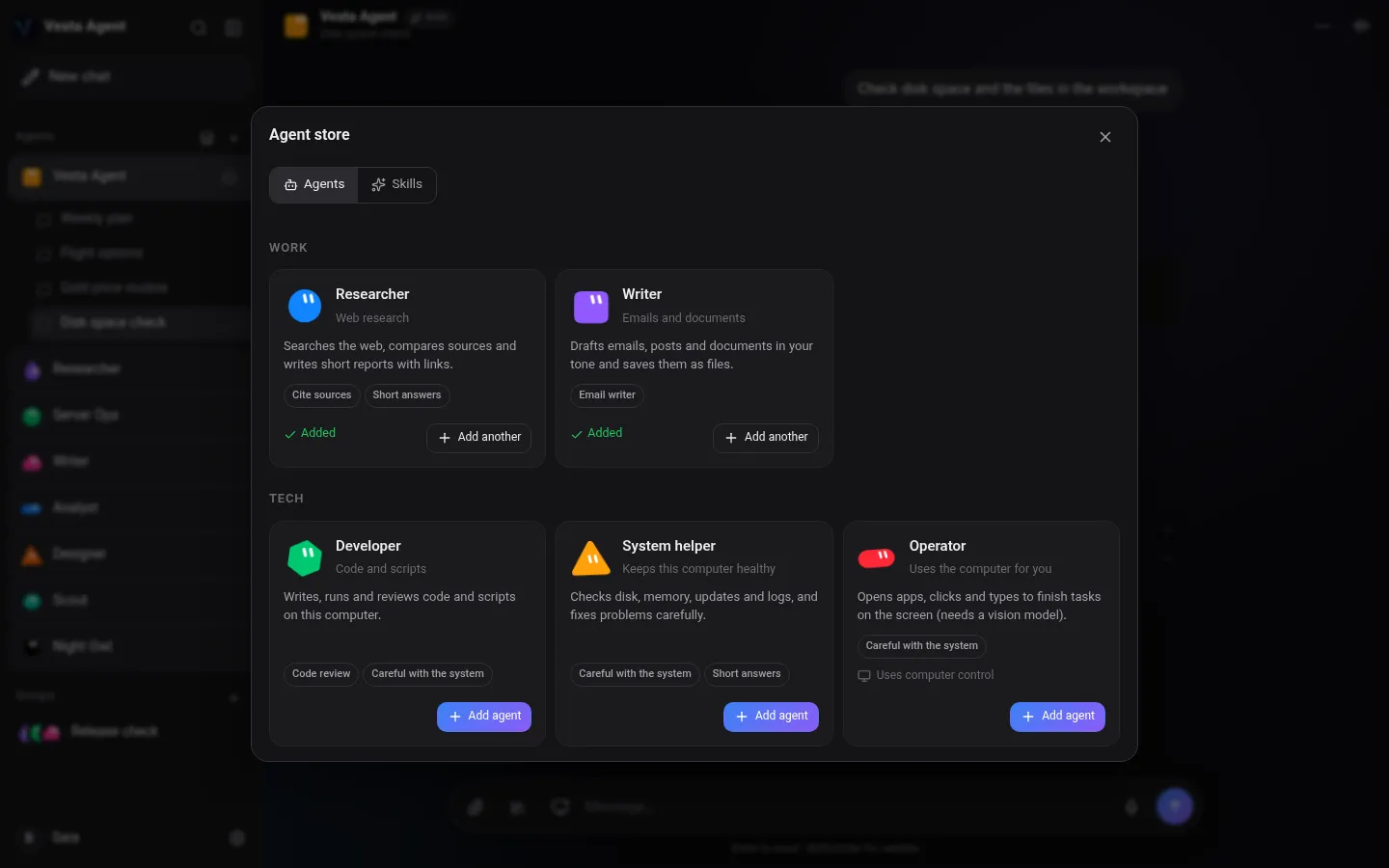
Agents
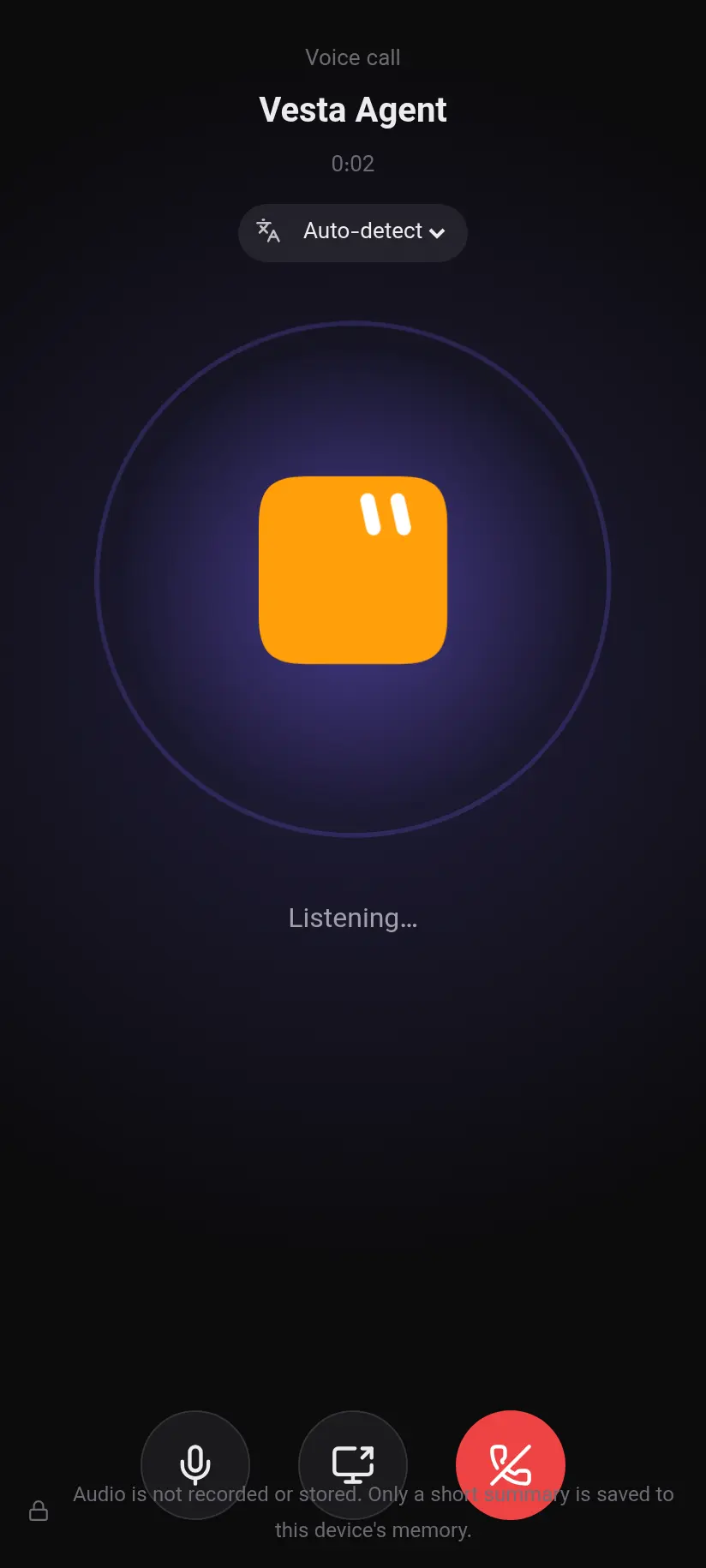
Voice call
Latest version: v1.5.1. Installs in under a minute.
sudo apt install ./VestaAgent-*.debchmod +x VestaAgent-*.AppImageNew in 1.5.1: cleaner Settings, a step-by-step API key guide, a first-run tour, and agents can send files and images into the chat. Linux stays on 1.4.1 for now. Release notes
Message our support bot on Telegram, @VestaAgentSupportBot. Send a description, screenshots or a voice message and you get a ticket number. Replies arrive in the same chat.
Yes. The app is free. You use your own AI key, for example a free Gemini or OpenRouter key, or run models offline with Ollama.
Only on your own device: chats, memory, agents, settings and encrypted keys. There is no Vesta server or online database.
Yes. Add a proxy in Settings, for example the local port from v2rayN or NekoBox, and choose which services use it. A built-in guide shows each step.
Gemini, OpenRouter, OpenAI-compatible providers and local models through Ollama.
Yes. It checks quietly at launch and only shows a window when a new version is available.
The installer is not yet signed with a paid certificate. Click More info, then Run anyway.
Report a bug, ask a question or send a suggestion to our Telegram support bot. Screenshots, files and voice messages are welcome. You get a ticket number, and we reply right in the chat.
Support on Telegram